
Twine3D
2017 · PC
GLHF may earn a commission from some store links. Rankings are based on price, availability, and quality signals.
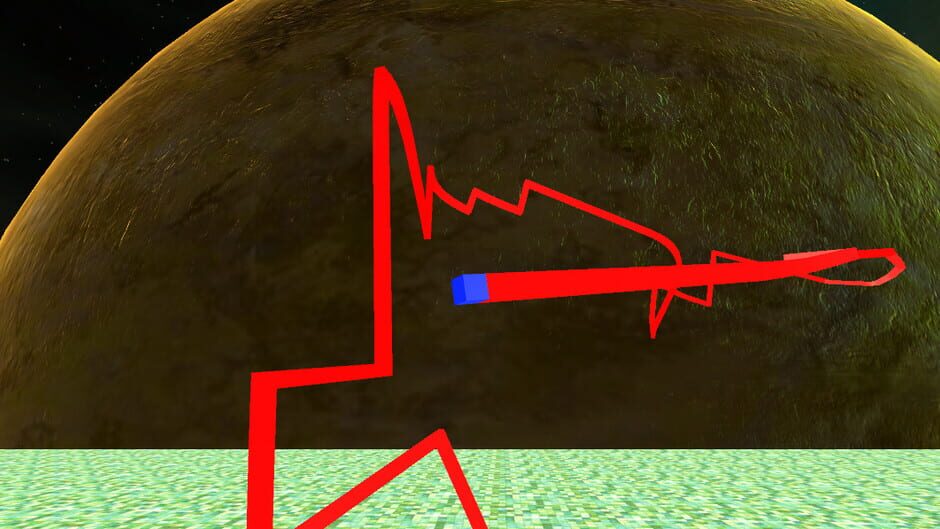
Twine3D is a third person view control path craft game.
Control:
Move forward:default keyboard button w;
Move back:default keyboard button s;
Move left:default keyboard button a;
Move right:default keyboard button d;
Move up:default keyboard button space;
Move down:default keyboard button q;
Long click mouse left button to rotate the camera;
Long click mouse right button to rotate the player cube;
Two Game Mode:Creative and Chase.
Game Mode Creative:free to move.Player can save the scene as a Twine3D file, and load a Twine3D file to
create the scene.
Game Mode Chase:control the player cube to chase the AICube.Dodge the AICube path and walls,twine the AICube until win.